Free online audio tool

Audio Compressor Online

Reduce audio file size for sharing, email, messaging, storage, voice notes, and podcast previews.

Upload audio file

Choose an audio file from your device. Processing happens locally in your browser when the format is supported.

MP3WAVOGGOPUSM4AAACM4RFLACAIFF

What is

What is Audio Compressor?

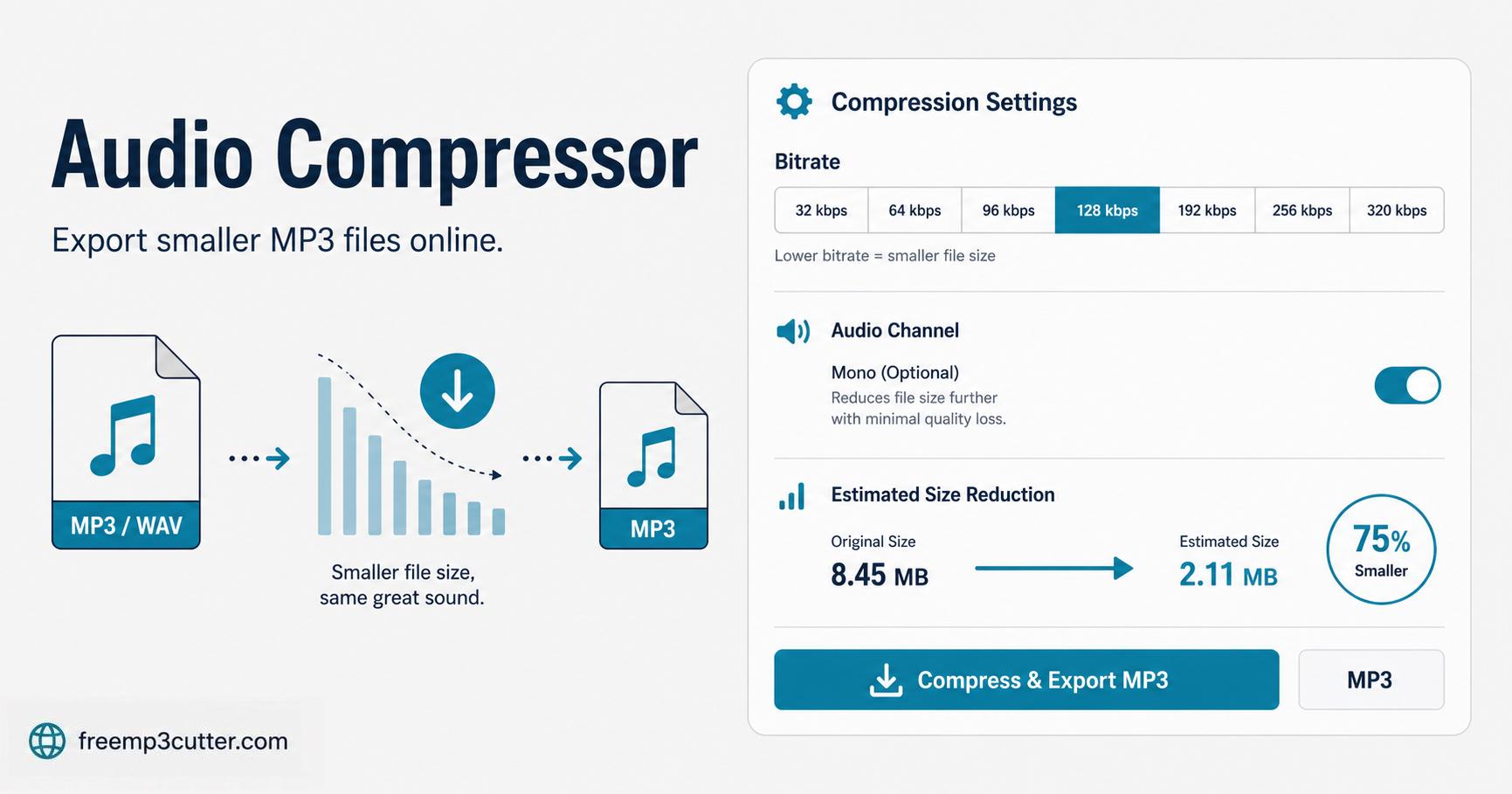
Audio Compressor Online illustration

Audio compression is useful when a recording is too large to upload, email, or send by chat. Lower bitrate and mono output can make speech files smaller.

The compressor creates a new MP3 at the selected bitrate. For speech, 64–128 kbps is often enough. For music, use a higher bitrate.

Use the available controls to adjust the result, listen before saving, and download a new file when you are satisfied.

How to

How to use Audio Compressor

  1. Add your audio. Choose a supported audio file from your device or drag it into the upload area.
  2. Adjust the result. Choose a suitable size and quality setting for sharing or storage.
  3. Preview before saving. Listen to the result and make another adjustment when needed.
  4. Create the output. Keep the page open while your new audio file is being prepared.
  5. Download manually. Save the finished file to your device when the download button appears.

Formats

Supported audio input

The upload field accepts common audio extensions, but the device must be able to decode the actual file. MP3 and WAV are the safest choices. OGG, OPUS, M4A, AAC, M4R, FLAC, and AIFF support can vary.

MP3WAVOGGOPUSM4AAACM4RFLACAIFF

Common uses

When to use Audio Compressor

Audio compression is useful when a recording is too large to upload, email, or send by chat. Lower bitrate and mono output can make speech files smaller.

This tool is suitable for quick adjustments to voice notes, recordings, lessons, interviews, podcasts, music clips, and other personal audio files.

Before editing

Quality and limitations

The compressor creates a new MP3 at the selected bitrate. For speech, 64–128 kbps is often enough. For music, use a higher bitrate.

Your selected audio is processed on your device. For long or large files, keep the page open and avoid running too many other applications until processing finishes.

Preview the result before downloading. Damaged, protected, silent, or unusually created files may not open successfully, and strong adjustments can sometimes produce unwanted changes.

FAQs

Audio Compressor FAQs

1. What is Audio Compressor?

Audio compression is useful when a recording is too large to upload, email, or send by chat. Lower bitrate and mono output can make speech files smaller.

2. Which audio files can I use?

The upload accepts common audio formats such as MP3, WAV, OGG, OPUS, M4A, AAC, M4R, FLAC, AIFF. Support can vary depending on how the original file was created.

3. Can I preview before downloading?

Yes. Preview the processed result before creating the final MP3 or WAV output whenever the tool provides a preview control.

4. Which output formats are available?

Most editing tools export MP3 for smaller files and WAV for an uncompressed copy.

5. Why can processing feel slow?

Large files and long recordings require more time to prepare. Device speed and available memory can also affect processing time.