Audio Converter

Change supported audio and media files to M4A/iPhone Sound, AAC, MP3, WAV, or FLAC for listening, sharing, editing, or storage.

Upload audio files

Drop one or more audio files here, or choose files from your device. Listed formats are processed.

MP3WAVOGGOPUSM4AAACFLACAIFFM4RMP4WEBMMKVMOV

What is

What is an audio converter?

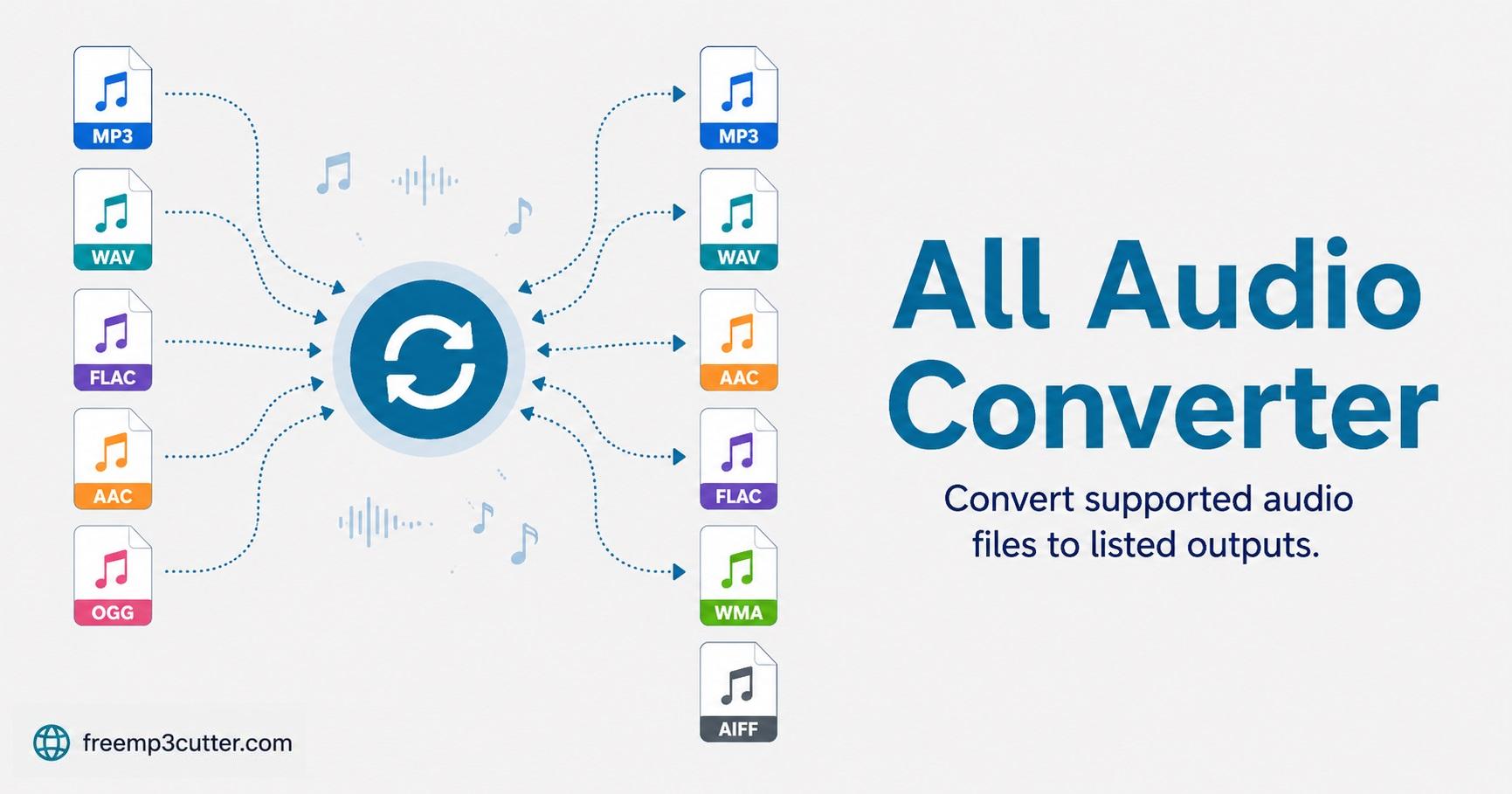
Audio Converter illustration

An audio converter changes a supported audio or media file into another audio format, such as M4A/iPhone Sound, AAC, MP3, WAV, or FLAC.

This converter is designed for simple format changes without complicated desktop software.

Supported formats

Formats available in this converter

This page shows only the input and output formats this converter is designed to handle.

Input formats

MP3WAVOGGOPUSM4AAACFLACAIFFM4RMP4WEBMMKVMOV

Output formats

M4A / iPhone SoundAACMP3WAVFLAC

How to use

How to convert audio

  1. Upload your audio file. Choose a listed input format from your device or drag it into the upload area.
  2. Choose an output format. Select M4A/iPhone Sound, AAC, MP3, WAV, or FLAC.
  3. Create the output file. Click the create button and keep the tab open while the file is prepared.
  4. Download manually. Click the download button after the output is ready.

Before converting

Quality and limitations

Converting cannot improve detail that is missing from the source recording. Choose the output format that best matches how you plan to listen, share, edit, or store the audio.

Your selected media is processed on your device. For long or large files, keep the page open and avoid running too many other applications until conversion finishes.

Damaged, protected, or unusually created files may not open successfully, even when their extension appears in the supported list.

FAQs

Audio converter FAQs

1. Which audio formats can I upload?

This page lists MP3, WAV, OGG, OPUS, M4A, AAC, FLAC, AIFF, M4R, MP4, WEBM, MKV, and MOV as supported input formats.

2. Which formats can this converter create?

This converter creates M4A/iPhone Sound, AAC, MP3, WAV, and FLAC output.

3. Are files uploaded to a server?

No. Your file is processed locally on your device.

4. Does the file download automatically?

No. The tool creates the output first, then you manually click the download button.

5. What is the iPhone Sound output?

iPhone Sound creates an M4A audio file for Apple and mobile playback.