 Free MP3 Cutter & Converter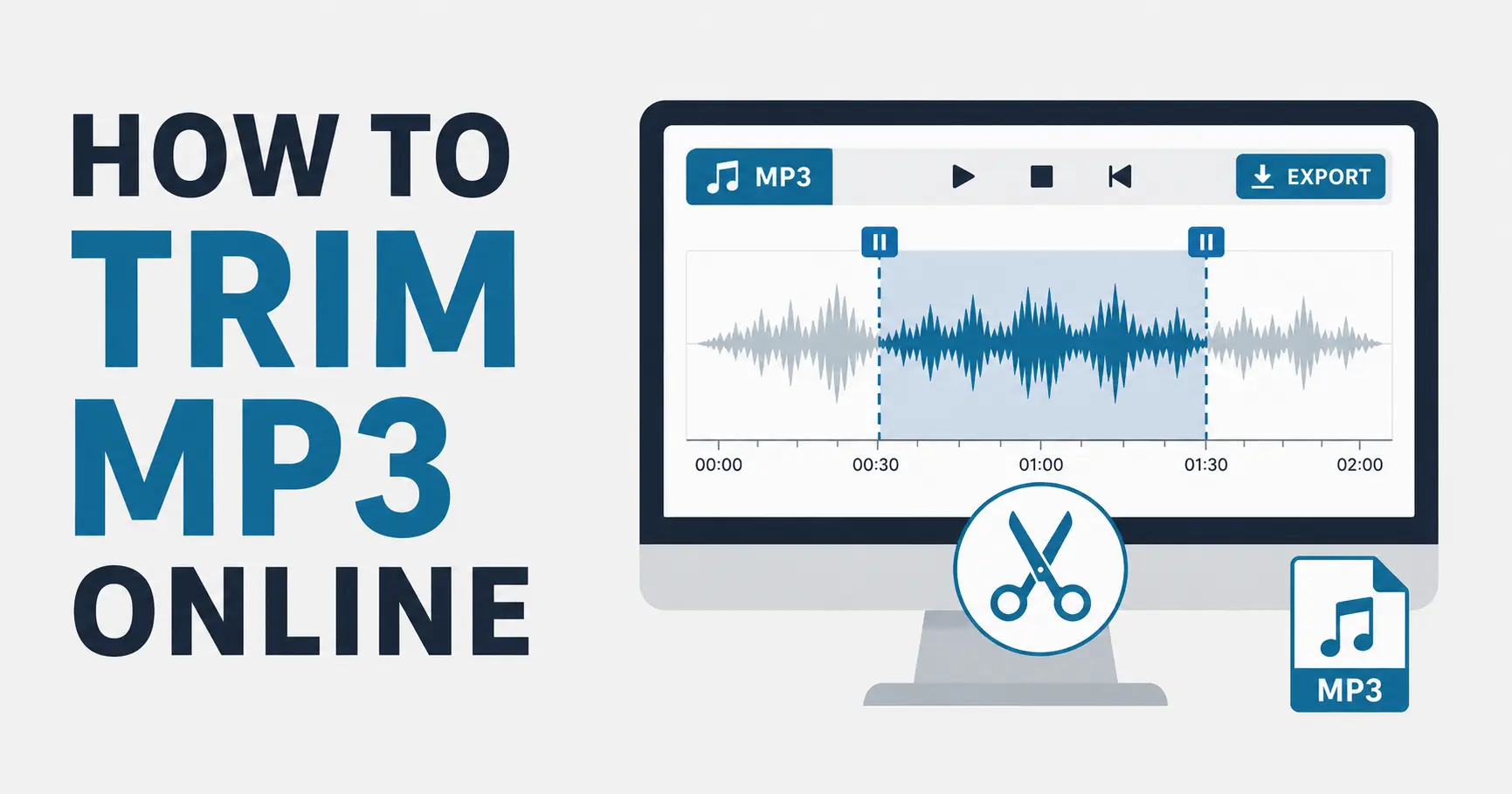
Cutting an MP3 file online is one of the simplest ways to shorten a song clip, remove silence, trim a voice recording, or create a smaller audio file without installing desktop software. A browser-based audio cutter lets you upload an audio file, see the waveform, choose where the cut should begin and end, preview the selected section, and export the result as a new MP3 or WAV file. For beginners, this is often easier than opening a full audio editor with many advanced controls you may not need.
Before you start, it helps to know what you want from the final audio. You may want to remove a long pause at the beginning of a recording, cut out an unwanted section at the end, create a short voice clip, or save only the most useful part of a longer file. When you know the goal, it is easier to choose accurate start and end points. A clean MP3 cut is not just about making the file shorter. It is about keeping the part that matters and avoiding awkward starts, clipped words, or sudden endings.
The first step is to upload your audio file. Free MP3 Cutter & Converter supports common audio formats such as MP3, WAV, M4A, and OGG, so you can work with many everyday recordings. After you choose a file, the browser needs to read and decode the audio so the waveform can be displayed. This may take a few seconds for short files and longer for large files. Browser-based processing depends on file size, browser, CPU, and memory, so a very long recording may take more time than a short ringtone clip.
Once the waveform appears, you can use it as a visual guide. A waveform shows the loud and quiet parts of your audio. Tall sections usually mean louder sound, while flat or nearly flat sections often mean silence or very quiet background noise. This makes it easier to find where speech begins, where music fades in, or where a pause ends. You do not need to understand technical audio terms to use a waveform. Think of it as a map that helps you find the right part of the audio file.
Next, move the start marker to the place where the final clip should begin. For speech, try to start a tiny bit before the first word so the beginning does not sound clipped. For music or sound effects, listen carefully to the first beat or sound and avoid cutting too close. If the tool allows fine adjustment, zoom in or move the marker in small steps. A few milliseconds can make a difference, especially when cutting dialogue, podcast intros, or short notification sounds.
After setting the start point, set the end point where the clip should finish. Many beginners cut the end too early, which can make the last word or sound feel unfinished. It is usually better to leave a small amount of natural space after the final sound, then preview the selection and shorten it if needed. For a clean ending, listen for the full tail of the sound. If there is background noise, room echo, or music reverb, cutting too sharply can make the edit feel abrupt.
Previewing is the most important step before export. Play the selected section from the beginning and listen through the end. Check whether the start feels natural, whether the selected part contains everything you need, and whether the ending stops at the right moment. If the audio is speech, pay attention to words that may be cut off. If it is a music clip or ringtone, listen for timing, rhythm, and whether the loop or ending feels smooth. Small adjustments during preview can save you from exporting the file multiple times.
When you are happy with the selection, choose an export format. MP3 is a good choice when you want a smaller file that is easy to share and play on most devices. WAV is better when you want uncompressed audio or plan to edit the file again later. WAV files are usually much larger than MP3 files, but they avoid another lossy compression step. For simple trimming, MP3 export is often enough, while WAV export is useful for keeping quality as high as possible during future editing.
It is also useful to understand that cutting and exporting are separate steps. Selecting a section tells the tool which part you want to keep. Exporting creates a new file from that selection. Depending on the browser and the export format, the tool may need to process the audio again before saving it. Larger files, higher-quality exports, or long WAV files may require more memory and CPU. Closing unused browser tabs can help if your computer is older or if the audio file is large.
To get cleaner results, use headphones while previewing. Laptop speakers can hide clicks, clipped words, and tiny gaps at the start or end of a clip. Headphones make it easier to hear whether the cut begins too suddenly or ends too sharply. You should also avoid making the selection while the audio is still loading or decoding. Let the waveform finish rendering before placing markers, especially for long recordings. This helps you choose more accurate points.
If your recording has silence at the beginning or end, the waveform can help you remove it. Look for the flat parts before the first visible sound and after the last visible sound. Trim most of the silence, but do not remove every tiny bit unless you are sure it sounds better. A very small pause before speech can make the clip feel more natural. The goal is not always to remove every quiet moment. The goal is to keep the audio comfortable to hear.
Online MP3 cutting is useful for many everyday tasks, but it is still important to handle files carefully. If your audio contains private conversations, business information, medical details, or other sensitive content, think before uploading or processing it in any online tool. Browser-based tools can be convenient, but sensitive or confidential audio should always be handled carefully. Review the website privacy information and use your own judgment when deciding where to edit important files.
A good workflow is simple: upload the file, wait for the waveform, choose a rough selection, preview it, refine the start and end points, preview again, then export. This process works for MP3 trimming, WAV cutting, ringtone creation, podcast cleanup, voice memo editing, and many other beginner audio tasks. You do not need advanced editing knowledge to make a useful cut. You only need to listen closely, adjust patiently, and choose the export format that fits your needs.
After exporting, play the saved file before deleting the original. Make sure the new clip opens correctly, includes the right section, and sounds the way you expected. Keeping the original file gives you a safe backup in case you want to make a different cut later. Online audio cutting is fast and practical, but careful previewing and saving habits will help you avoid mistakes and keep your audio organized.